
CRM Systems for Law Firms: Complete Guide
Find the perfect CRM: HubSpot, Salesforce, Zoho. Learn implementation strategies and how to measure CRM success.
Author: App Wizard
Published on December 28, 2025
Share this article
Share with your network or copy the link
The Gap Between Practice Management and CRM
Practice management software excels at organizing cases and billing. But CRM software is specifically designed for managing client relationships—tracking communications, nurturing leads, automating follow-ups, and identifying opportunities. Many law firms benefit from using both systems together.
Why Lawyers Need CRM
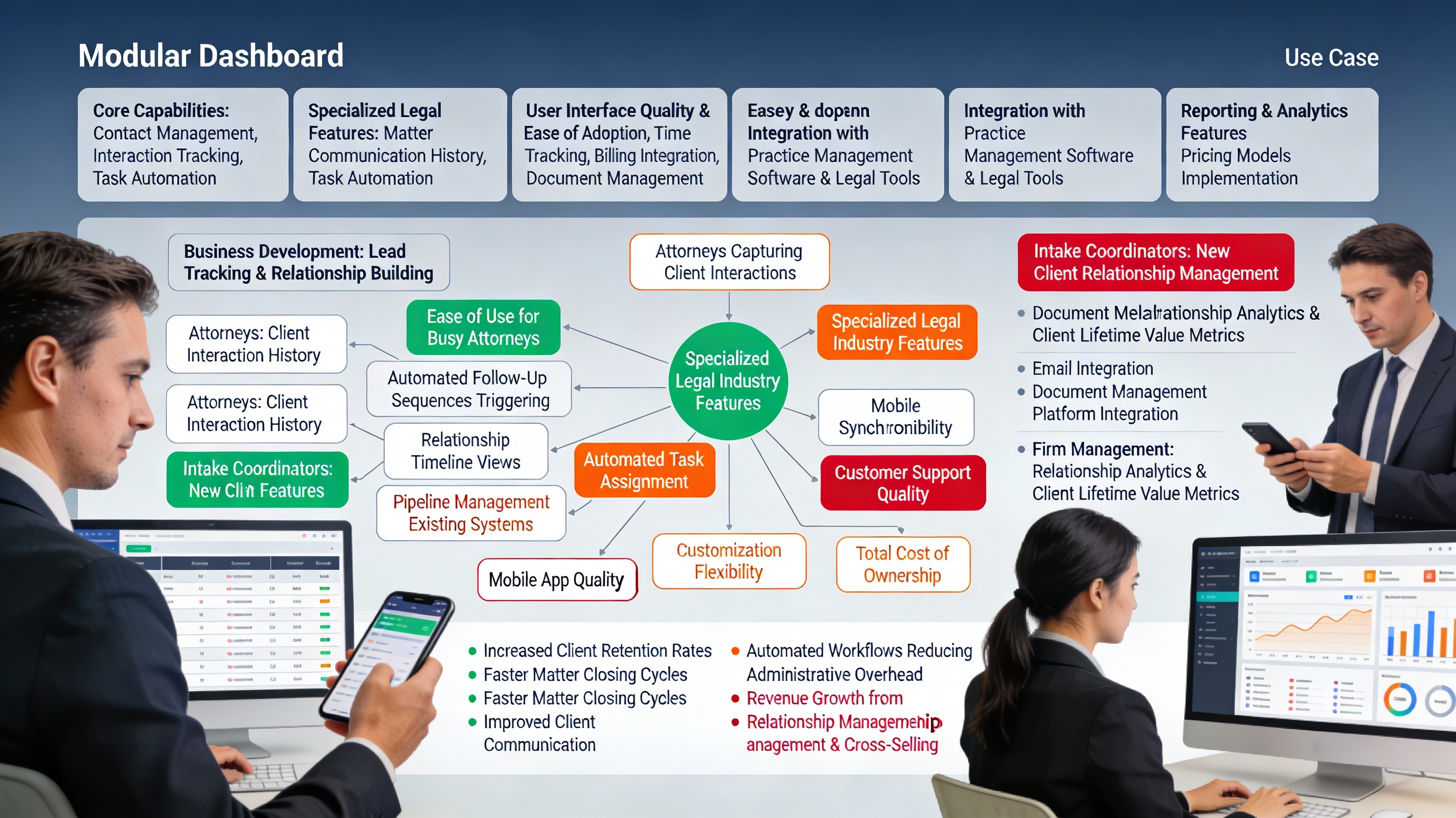
A robust CRM helps you: Track all client interactions across email, phone, and in-person, manage leads through your sales pipeline, automate follow-up sequences to nurture leads, identify cross-selling and upselling opportunities, build client profiles and relationship history, and track referral sources and ROI by marketing channel.
CRM vs. Practice Management: Choosing One or Both
Practice Management (e.g., Clio): Case-centric, focused on matter organization and billing.
CRM (e.g., HubSpot, Salesforce): Relationship-centric, focused on lead management and client communication.
Best Practice: Many firms use both, integrating them together.
Top CRM Solutions for Law Firms
1. HubSpot CRM (Free to $120/month) - Best For: Law firms wanting free CRM with optional paid tiers. Key Features: Free CRM with unlimited users, email tracking and automation, pipeline management, reporting and forecasting, legal industry templates available. Pricing: Free tier available, paid starts at $120/month. Best For: Firms starting with CRM or wanting free option.
2. Salesforce (Custom Pricing) - Best For: Large firms with complex needs. Key Features: Highly customizable platform, strong automation and workflow capabilities, AI-powered insights (Einstein AI), integration with most legal software. Pricing: $165-330+/user/month. Best For: Larger firms with dedicated IT support.
3. Zoho CRM ($15-45/user/month) - Best For: Budget-conscious firms wanting full-featured CRM. Key Features: Affordable pricing with many features, good automation capabilities, legal industry focus, easy integration with other tools. Pros: Affordable, feature-rich, good support. Cons: Learning curve, less robust than Salesforce.
4. Pipedrive ($14-99/user/month) - Best For: Sales-focused law firms and rainmakers. Key Features: Visual pipeline management, deal tracking and forecasting, activity-based selling, good mobile app. Pros: Great for managing deals, intuitive interface. Cons: Less built-in legal functionality.
5. Nimble ($25/user/month) - Best For: Solos and small firms wanting affordable CRM. Key Features: Contact management, communication tracking, social media integration, activity timeline. Pros: Affordable, simple, good for solos. Cons: Limited automation, smaller features.
Key CRM Features for Legal Practices
1. Contact Management: Store complete client and prospect information.
2. Activity Tracking: Log all emails, calls, meetings, and interactions.
3. Pipeline Management: Track prospects through your sales process.
4. Automation: Automate follow-up emails and task creation.
5. Reporting: Track which marketing channels bring best ROI.
6. Integration: Connect with email, calendar, and practice management software.
Implementation Strategy
Phase 1: Setup and Configuration (Week 1-2) - Customize fields to match your firm's data collection, create pipeline stages matching your sales process, and set up email integration.
Phase 2: Data Import and Migration (Week 2-3) - Import existing client/prospect data, clean up and deduplicate records, and validate data integrity.
Phase 3: Team Training (Week 3-4) - Train team on data entry procedures, establish data quality standards, and create standard processes and workflows.
Phase 4: Integration with Practice Management (Ongoing) - Set up integration between CRM and practice management software and automate data sync between systems.
Data Hygiene and Best Practices
1. Regular Data Cleanup: Monthly data reviews to remove duplicates and outdated information.
2. Standard Data Entry: Create consistent processes for adding new contacts and information.
3. Activity Logging: Require team to log all interactions for complete history.
4. Regular Review: Monthly review of pipeline and conversion metrics.
Measuring CRM Success
Key Metrics: Lead conversion rate, sales cycle length, client acquisition cost by source, average client lifetime value, email open and click-through rates, and ROI by marketing channel.
Conclusion
A well-implemented CRM system gives you visibility into your client relationships, marketing effectiveness, and sales pipeline. By choosing the right CRM for your firm's size and needs, and committing to good data practices, you can significantly improve client retention and profitability.