
Best Practice Management Software 2025
Compare Clio, MyCase, Practice Panther. Learn selection criteria, pricing, and implementation to choose the right software.
Author: App Wizard
Published on December 28, 2025
Share this article
Share with your network or copy the link
Why Practice Management Software Matters
Practice management software is the backbone of modern law firms. It handles time tracking, billing, document management, case organization, and client communication—all in one system. Firms using robust practice management software are more profitable, more organized, and provide better client service.
Key Features to Look For
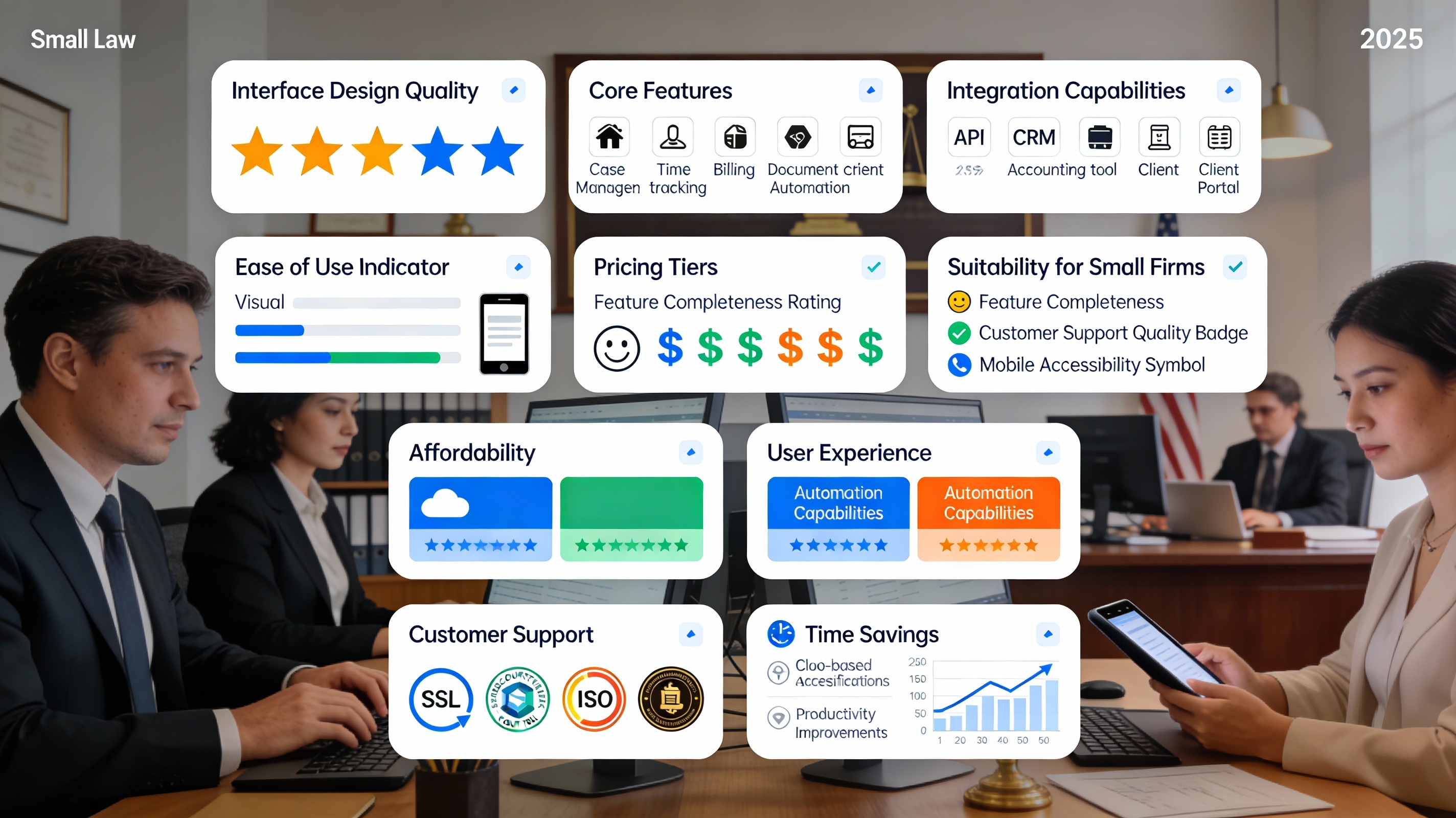
Essential Features: Time tracking and billing, document and matter management, client portal and communication, invoice generation and payment processing, calendar and task management, and reporting and analytics.
Advanced Features: Accounting integration, email integration, intake and lead management, automated workflows, AI-powered contract analysis, and mobile apps.
Top Practice Management Software for Small Firms
1. Clio - Best For: Small to medium firms seeking comprehensive solution. Key Features: Strong time tracking, excellent client portal, good integrations, AI features. Pricing: $39-149/user/month. Pros: Intuitive interface, strong customer support, extensive app marketplace. Cons: Can be pricey for large teams, learning curve for complex workflows.
2. MyCase - Best For: Solo practitioners and small firms. Key Features: Simple interface, good mobile app, affordable, client communication tools. Pricing: $39-99/month (flat rate). Pros: Affordable, easy to use, good for solos. Cons: Limited advanced features, smaller integrations ecosystem.
3. Practice Panther - Best For: Small to medium firms wanting affordability and flexibility. Key Features: Time and billing, document management, intake forms, automation. Pricing: $33-99/user/month. Pros: Affordable, good automation capabilities, mobile app. Cons: Less powerful than Clio, smaller user base.
4. Everlaw - Best For: Litigation firms with heavy document review needs. Key Features: Powerful document review, AI-powered analysis, e-discovery tools. Pricing: Custom pricing (typically $10k-100k+/year). Pros: Best-in-class document review, excellent e-discovery. Cons: Expensive, complex, overkill for small practices.
5. LawLogix - Best For: Immigration law practices. Key Features: Immigration-specific workflows, immigration forms, case tracking. Pricing: Custom pricing (typically $200-500/month). Pros: Built specifically for immigration law. Cons: Limited to immigration practice areas.
Selection Framework
Step 1: Define Your Requirements - What features do you absolutely need? What's your budget per user/month? How many users will you have? What integrations are essential?
Step 2: Test Free Trials - Request free trials (most offer 14-30 days), have your team use the software, test critical workflows, and evaluate ease of use and support quality.
Step 3: Request Demos and References - Ask for demos from companies' sales teams, request references from similar firms, and ask references about implementation, support, and ROI.
Implementation Best Practices
1. Data Migration: Properly migrate historical data to avoid losing information.
2. Team Training: Invest time in training your team on the new system.
3. Gradual Rollout: Consider rolling out to one practice area first.
4. Establish Processes: Define standard processes and workflows in the new system.
5. Regular Check-ins: Monitor adoption and address issues quickly.
Integration Ecosystem
Modern practice management software should integrate with: Accounting software (QuickBooks, Xero), email (Gmail, Outlook), document automation (Casetext, PandaDoc), payment processors (Stripe, Square), and CRM and lead management tools.
Cost vs. Value Calculation
To calculate whether software is worth the cost: Time Saved Per Month × Hourly Rate × 12 = Annual Value. Example: If software saves your team 10 hours/month at $50/hour = $6,000/year value. Compare to software cost ($2,000-5,000/year for small firm).
Conclusion
The right practice management software can significantly improve firm profitability, team productivity, and client satisfaction. Start by defining your needs, test multiple options, and choose the platform that best aligns with your practice area and firm size. The investment pays for itself within months.